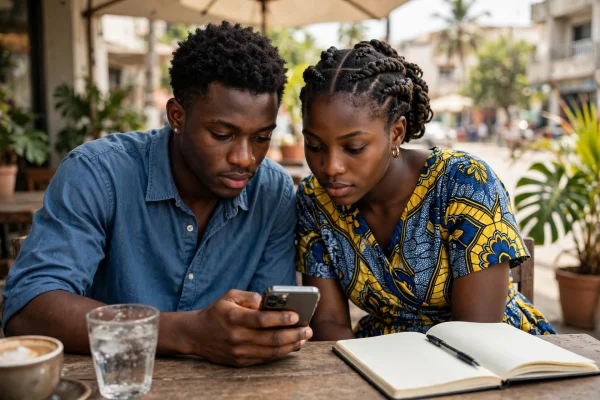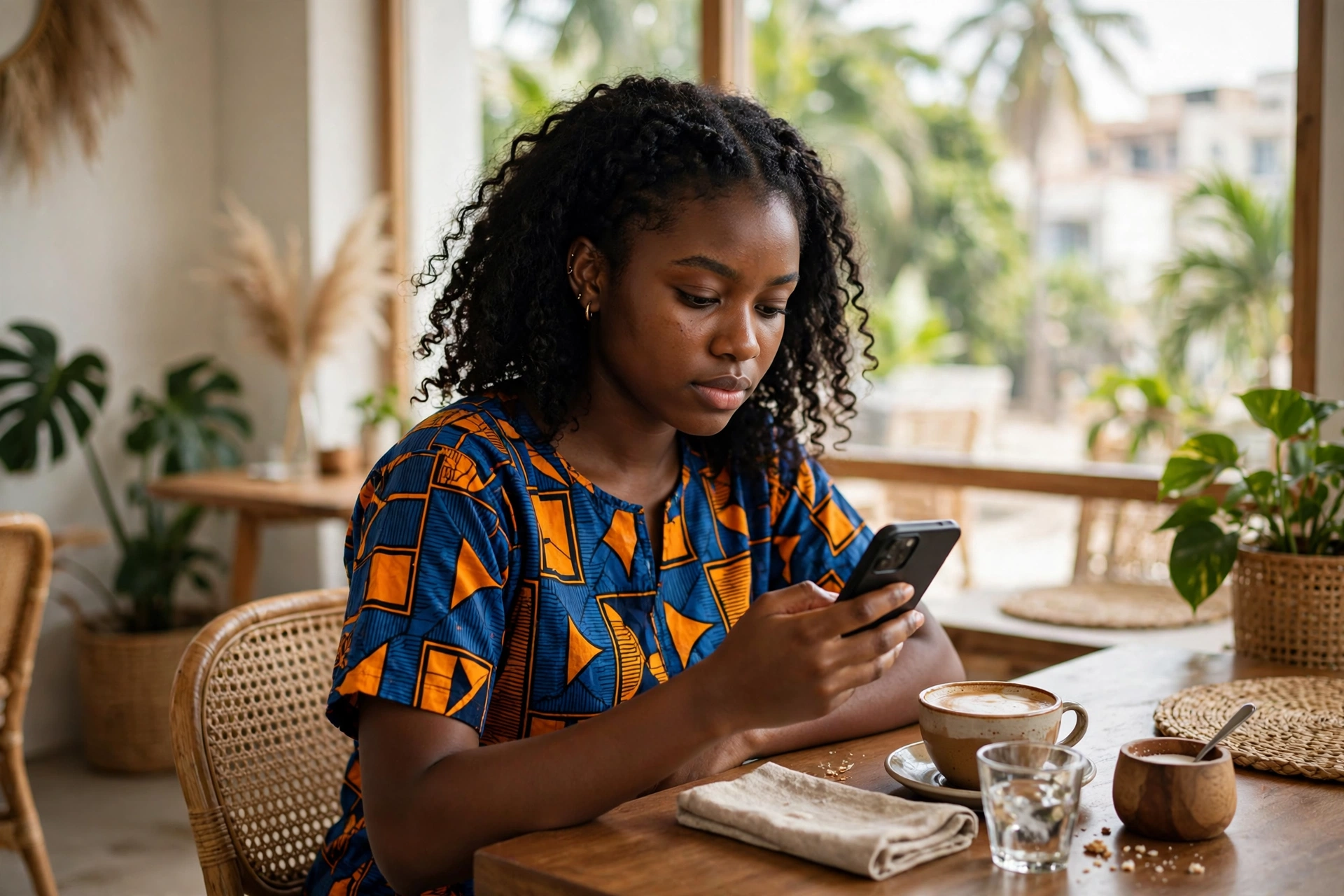
You are in a cafe in Accra, or waiting at Kotoka International Airport, and you connect to the free Wi-Fi. A friend warns you that someone could steal your passwords and bank details. Should you disconnect? Should you avoid public Wi-Fi altogether?
On 12 November 2026, cybersecurity expert David Gyedu warned Ghanaians on the GTV Breakfast Show against careless smartphone use, and he named unsecured public Wi-Fi as a risk, especially for financial transactions.
The short answer is that public Wi-Fi in Ghana is safer than the old warnings suggest, and it is not as safe as ignoring the warnings entirely. Most websites now use encryption, which scrambles data so only the intended receiver can read it. The fake hotspot, the app that does not encrypt your data, and the login page that asks for too much have not gone away.
What Is Actually Happening
Public Wi-Fi is a wireless network that anyone in a place can join, usually for free. You will find it in cafes, hotels, airports, and schools across Ghana. Your phone sends its traffic through a small box called a router, and on a public network you often do not know who controls that box.
The old danger was simple. Most websites once sent data in plain text, so anyone on the same network could read it. That is why people were told to avoid public Wi-Fi, or to always use a VPN. A VPN, short for virtual private network, sends your traffic through an encrypted tunnel.
That picture has changed. HTTPS is now the default. HTTPS means the connection between your device and a website is encrypted. The Web Almanac 2025, published by HTTP Archive in January 2026, found that more than 98.8 percent of web requests on mobile use HTTPS. The United States Federal Trade Commission says the same.
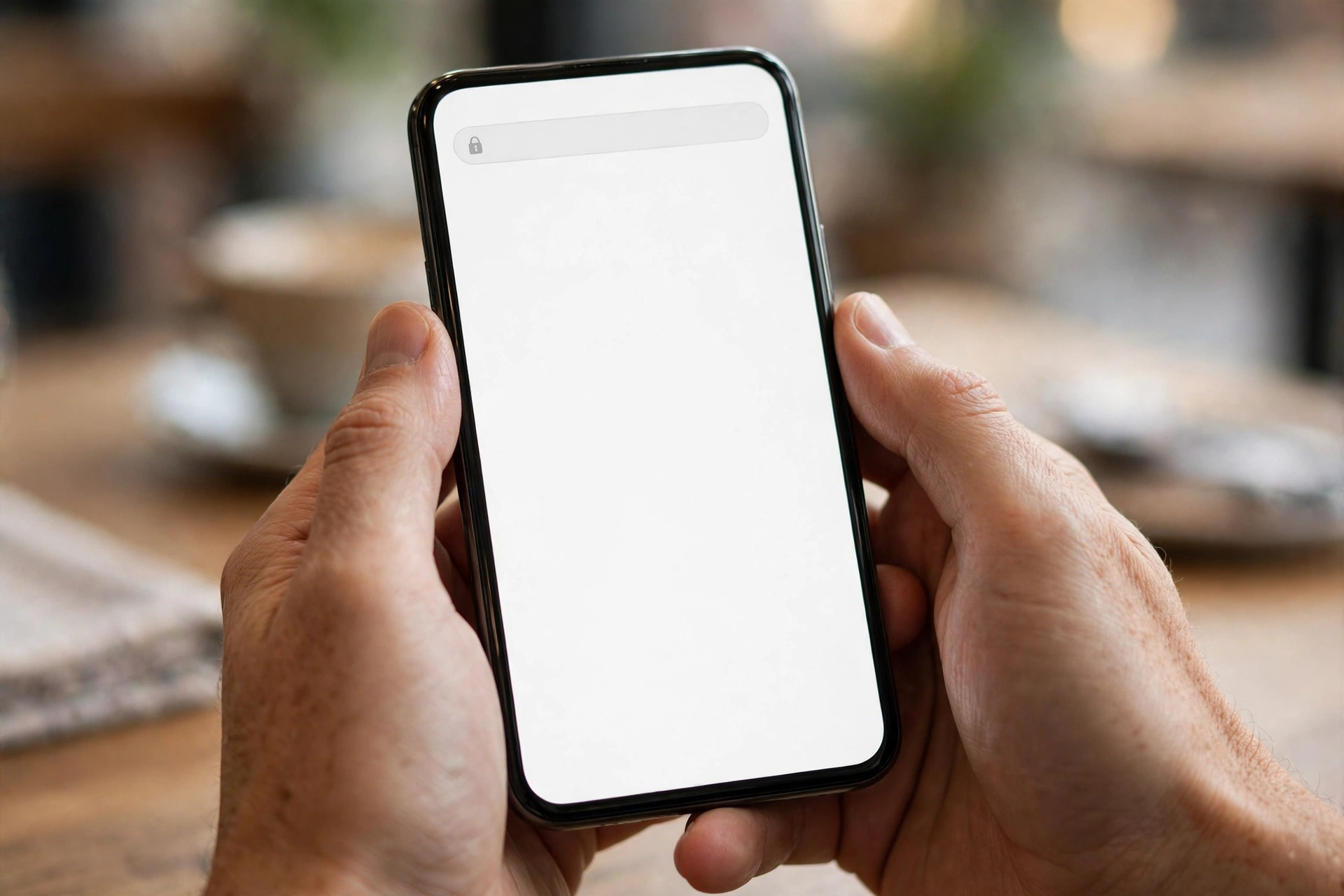
Three risks remain. The first is the fake hotspot, sometimes called an evil twin. A scammer sets up a network with a real looking name, such as Airport Free WiFi, and waits for people to connect. The second is an app that does not encrypt your data. In a browser you can look for the lock symbol, but in an app you often cannot tell. Consumer Reports makes this point: public Wi-Fi is safer now, but it is not entirely safe, especially with mobile apps. The third is the captive portal, the page that appears before you can use the network. A real portal asks for little. A fake one asks for far more.
Why This Is Different
The main danger has moved. It has moved from a stranger quietly reading your traffic to a scammer tricking you into joining the wrong network, or into handing over details on a fake page. Encryption has taken away much of the quiet reading. It has not taken away the trick. A fake hotspot still works, because it does not need to break encryption. It only needs you to trust the wrong network name.
The danger now depends more on what you do than on where you sit. Reading the news on an HTTPS site is low risk on public Wi-Fi. Logging into your bank, or typing a password into an app that does not show a lock symbol, is much higher risk on the same network.
This is also different from a mobile money scam, where the scammer talks you into sending money. On public Wi-Fi, the loss can happen without a conversation. You join a network that looks right, you type your details into a page that looks right, and the theft happens quietly.
A VPN earns its keep here. At home, most of your traffic is already encrypted by HTTPS, so a VPN adds little. On public Wi-Fi, a VPN adds a second layer of encryption, and it protects traffic from apps that do not encrypt their own data. It does not stop phishing, which is a scam message that tricks you into giving away information, and it does not make a fake website safe.
Who Is At Risk
The people most at risk are not careless people. They are people who use public Wi-Fi for the things that matter most, in places where they have little choice.
Travellers are at risk first. At Kotoka International Airport, in a hotel, or at a conference, you often need Wi-Fi to check in or to contact family. You are in a hurry, in an unfamiliar place, and likely to join the network with the most convincing name.
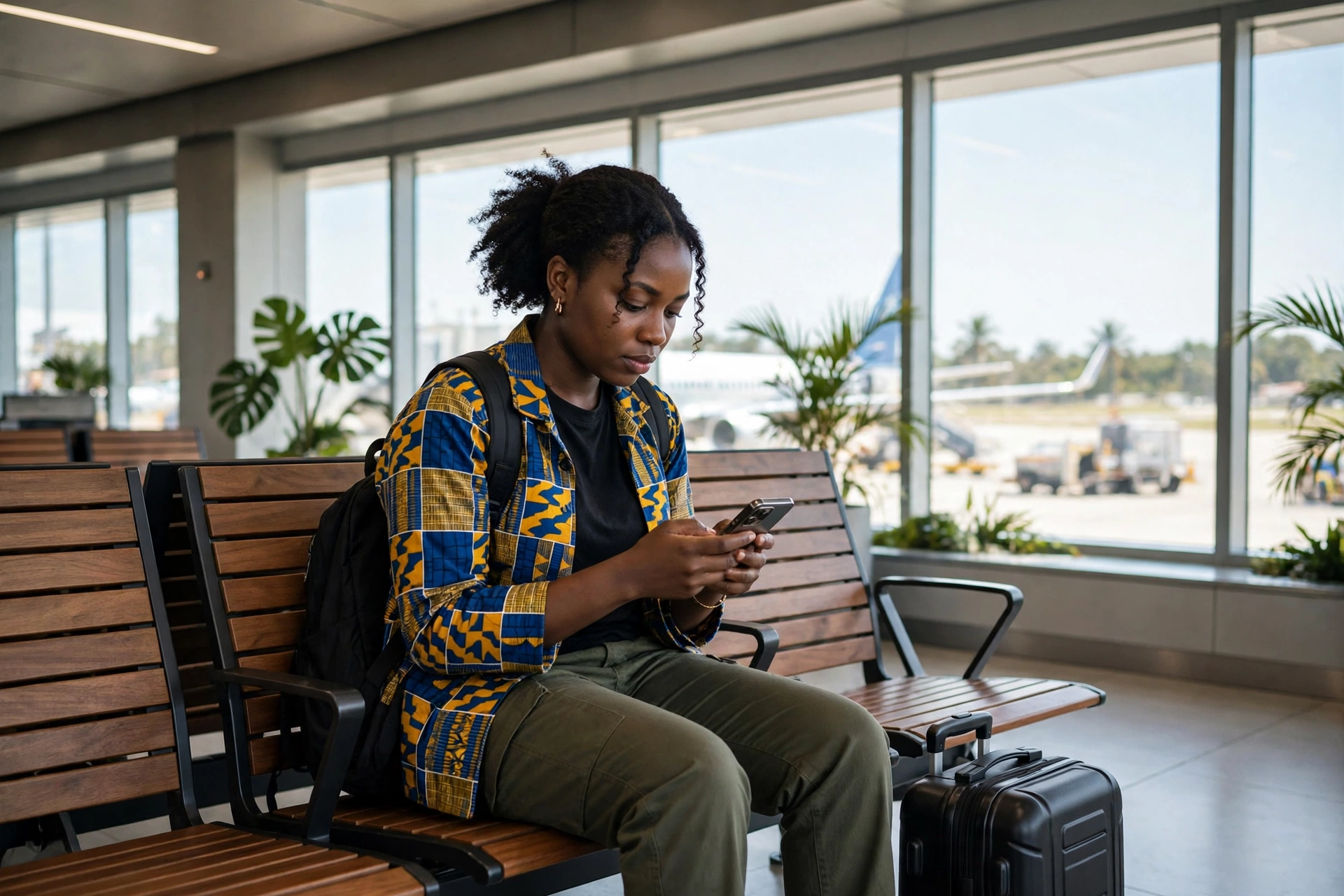
Students and job seekers are at risk next. Many young people in Ghana study and apply for jobs from a cafe. A student who logs into email or a job portal on a cafe network is putting an important account in the hands of a network they did not set up. If you are building a new skill to enter tech, our guide How to Break Into Tech Without a Computer Science Degree explains how to start without a degree.
Workers who handle money are at risk too. A trader who checks a bank balance or confirms a mobile money payment on a hotel network is doing a sensitive task on a network they cannot verify. Our article How Mobile Money Fraud Actually Works in Ghana, and How to Not Be the Next Victim explains how those scams work. People with older phones that have not been updated face a higher risk, because updates fix security holes, which are weaknesses in software that attackers can use.
What Ghanaian Law Says
Ghana has laws that protect your personal data, and they apply to the people who run networks, not only to the people who use them. The Data Protection Act 2012, Act 843, is the main law on personal data in Ghana. It says that anyone who collects personal data must do so fairly and lawfully, for a clear purpose, and must protect that data from unauthorised access, which means access by a person who has no right to see it.
The Cybersecurity Act 2020, Act 1038, runs alongside it. That Act set up the Cyber Security Authority, and it deals with cybersecurity incidents, which are events where a system or a network is attacked or misused. A fake hotspot set up to steal login details is the kind of incident the Authority exists to deal with.
The law does not make public Wi-Fi safe by itself. What it does give you is a place to report a problem, and a clear rule for businesses: if you collect personal data, you must protect it. If you believe a network has stolen your details, report it to the Cyber Security Authority. You can call or text 292, send a WhatsApp message to 0501603111, or send an email to report@csa.gov.gh.
What To Actually Do: A Protection Checklist
Use this checklist every time you join a public network.
- Ask a member of staff for the exact network name before you connect, especially in hotels, airports, and cafes. Do not guess.
- Avoid banking and mobile money logins on a network you cannot verify. Wait until you are home, or switch to mobile data.
- Use mobile data for apps where you cannot see a lock symbol or https.
- Turn on a VPN when you use public Wi-Fi, if you have one you trust. It encrypts your traffic before it leaves your device. Do not use a free VPN you know nothing about.
- Keep your phone, laptop, and apps updated, and turn on automatic updates. Many weaknesses that attackers use on public Wi-Fi are fixed in updates.
- Turn off automatic Wi-Fi connection, so your phone does not join networks without asking you.
- Use a strong, different password for each important account, and turn on two-factor authentication where it is offered. That means you need a second step, such as a code sent to your phone, as well as your password. Banks are also using technology to spot fraud, as our article From National Ambition to Bank Floor: Closing Ghana’s AI Adoption Gap in Financial Services explains.
- Never install software or an update offered through a Wi-Fi login page. A real login page will not ask you to do that.
- Do not enter more personal details than the network needs. An email address is normal. Your Ghana Card number or bank details are not.

What To Do If You Think You Connected To A Bad Network
If you suspect that you joined a fake hotspot, act quickly. Disconnect at once, and tell your phone or laptop to forget the network.
Change the passwords for any accounts you used while you were connected, starting with email and banking. Do this on mobile data, or on a network you trust, not on the network you suspect. If you entered payment details, contact your bank or mobile money provider at once, and ask them to watch the account.
Check your phone for any app you did not install, and remove anything you do not recognise. Then report the network to the Cyber Security Authority on 292, on WhatsApp at 0501603111, or by email at report@csa.gov.gh, and tell the staff at the cafe, hotel, or airport, so they can warn other customers.
Conclusion
Public Wi-Fi is neither as dangerous as the old warnings suggest, nor as safe as ignoring the warnings entirely. HTTPS has made the quiet reading of your traffic much harder. A VPN, mobile data, and a few simple checks make the risks that remain much smaller. The risks that matter are specific: a fake hotspot with a convincing name, an app that does not encrypt your data, and a login page that asks for too much.
The precautions are just as specific: verify the network name with staff, avoid banking on a network you cannot verify, use mobile data or a VPN for sensitive tasks, and keep your software updated. Ask the name, check the task, and choose mobile data when the task matters.
Sources Referenced
- Consumer Reports, Is Using Public WiFi Still a Bad Idea? The original draft cited an older Consumer Reports address. That address has changed, and this is the current address for the same article, verified by search and by opening the page on 15 November 2026. It explains that most sensitive data is now sent through encrypted channels, that mobile apps are the weak point, and that a VPN is worth considering on public Wi-Fi.
- United States Federal Trade Commission, Are Public Wi-Fi Networks Safe? What You Need To Know Verified by opening the page on 15 November 2026. It says most websites now use encryption, so public Wi-Fi is usually safe, and it advises strong passwords, two-factor authentication, and up to date software.
- HTTP Archive, Web Almanac 2025, Security chapter Published 15 January 2026. It reports that more than 98.8 percent of web requests on mobile connections use HTTPS, and 97.3 percent of home pages on mobile are served over HTTPS.
- Ghanamma, Cybersecurity expert warns Ghanaians against careless smartphone use, 12 November 2026 Reporting on the GTV Breakfast Show of 12 November 2026, in which David Gyedu warned against using unsecured public Wi-Fi networks for financial transactions and sharing sensitive information. The Cyber Security Authority reporting channels, 292, 0501603111, and report@csa.gov.gh, are also confirmed in recent CSA reporting.